Category: Blog

  • Roskilde Flyshow 2013

    Roskilde Flyshow 2013

    37 billeder fra årets flyshow (airshow.dk), også med en hel Messerschmidt inden den nødlandede 🙂

    37 Pictures from this years Airshow in Roskilde Airport (Copenhagen airport Roskilde), also with Messerschmidt ME109 before it made an rather nice emergency landing in a cornfield


  • Billeder fra sommeren

    Billeder fra sommeren

    her er et billede galleri fra sommerferien 2013 som blev holdt på feddet camping.

  • Flot dag på feddet

    Flot dag på feddet

    image

    Drengene hygger

    image

    Både ved vognen og i vandet

    image

    Tid til eftertænksomhed

  • Halvårs status

    Halvårs status

    Efter det første halve år, og målet på 4000km på hele året. Nu kan jeg afsløre at jeg indtil videre har nået samme længde som 244603 dobbeltdækkerbusser (ja de gamle fra London). Min gennemsnitlige hastighed har været 0,0002% af den relative maksimale hastighed af et Får i vakuum, hvilket er det samme som 0.0043 miles per sekund eller 1367Feet per minut. Når jeg så kører fuld speed træder jeg med en gennemsnitlig kraft af 3 Chuck Norris.

    Så jeg er godt på vej mod årets mål 🙂

  • Gran Turismo facts

    Gran Turismo facts

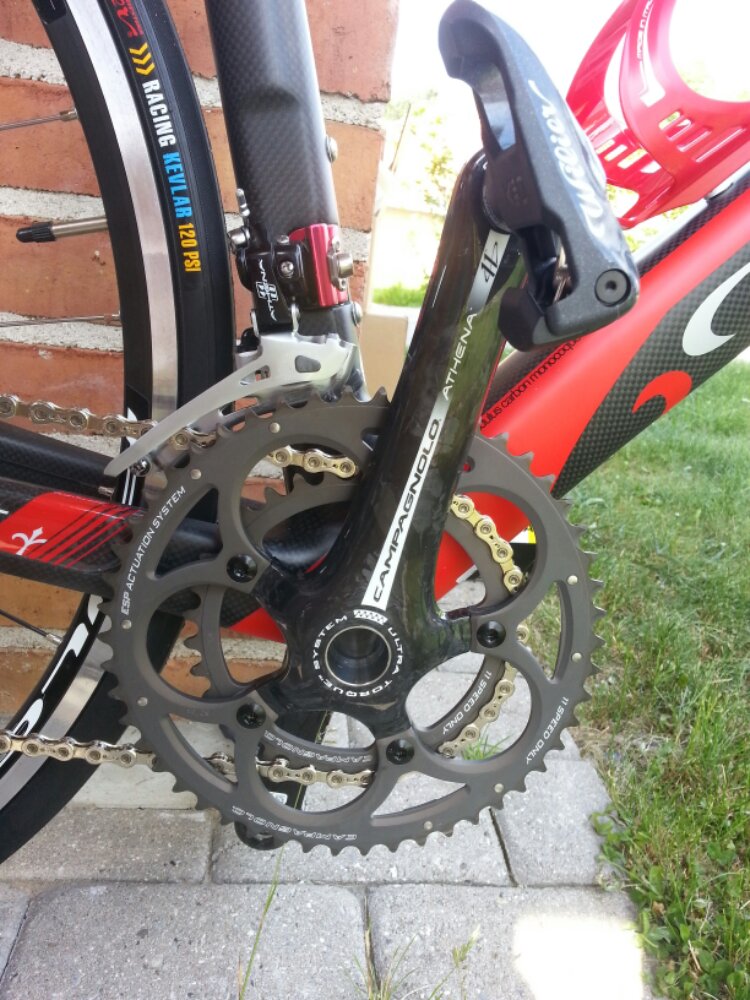
    TELAIO / FRAME Carbon monocoque
    FORCELLA / FORK Full carbon
    GUARNITURA / CRANKSET FSA SLK Custom Wilier 50/34
    MOVIMENTO CENTRALE / BOTTOM BRACKET FSA SLK
    DERAGLIATORE / FRONT DERAILLEUR Campagnolo Athena EPS
    CAMBIO / REAR DERAILLEUR Campagnolo Athena EPS
    COMANDI / SHIFTERS Campagnolo Athena EPS
    CASSETTA / CASSETTE Campagnolo Athena 12/25
    CATENA / CHAIN Campagnolo Athena
    RUOTE / WHEELSET Fulcrum Racing 5
    COPERTURE / TIRES Michelin Lithion
    FRENI / BRAKE SET FSA New Energy Custom Wilier
    SERIE STERZO / HEADSET Ritchey Pro
    PIEGA / HANDLEBAR FSA Wing Pro custom Wilier
    ATTACCO / STEM FSA SLK custom Wilier
    NASTRO / TAPE Cork
    SELLA / SADDLE Selle Italia SL custom Wilier
    REGGISELLA / SEATPOST FSA SLK custom Wilier
    PEDALI / PEDALS Senza / Without
    PESO (taglia M) / WEIGHT (size M) 7,5 kg

    Min er så en Large udgave

  • BMX sæsonen er startet

    BMX sæsonen er startet

    image

    image

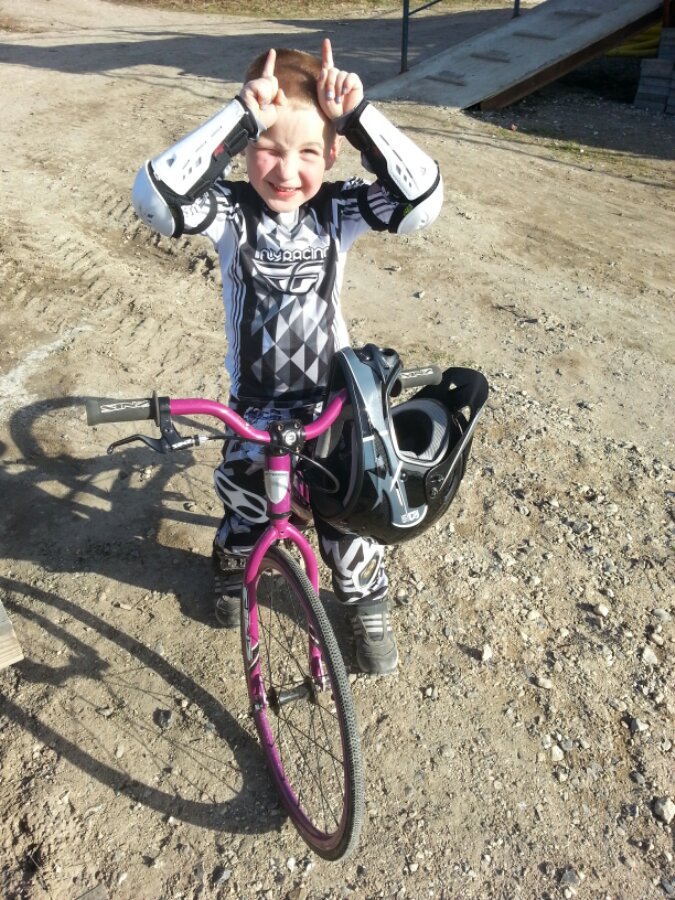
    Tobias er klar til kamp

  • Raspberry pi steampunked

    Raspberry pi steampunked

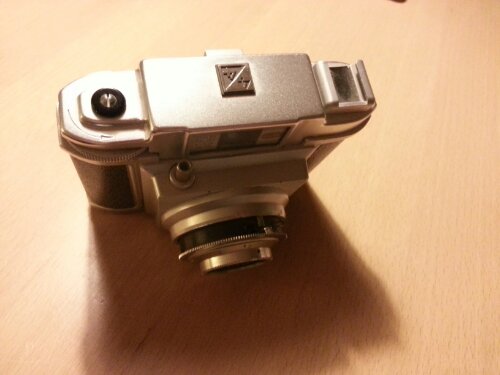
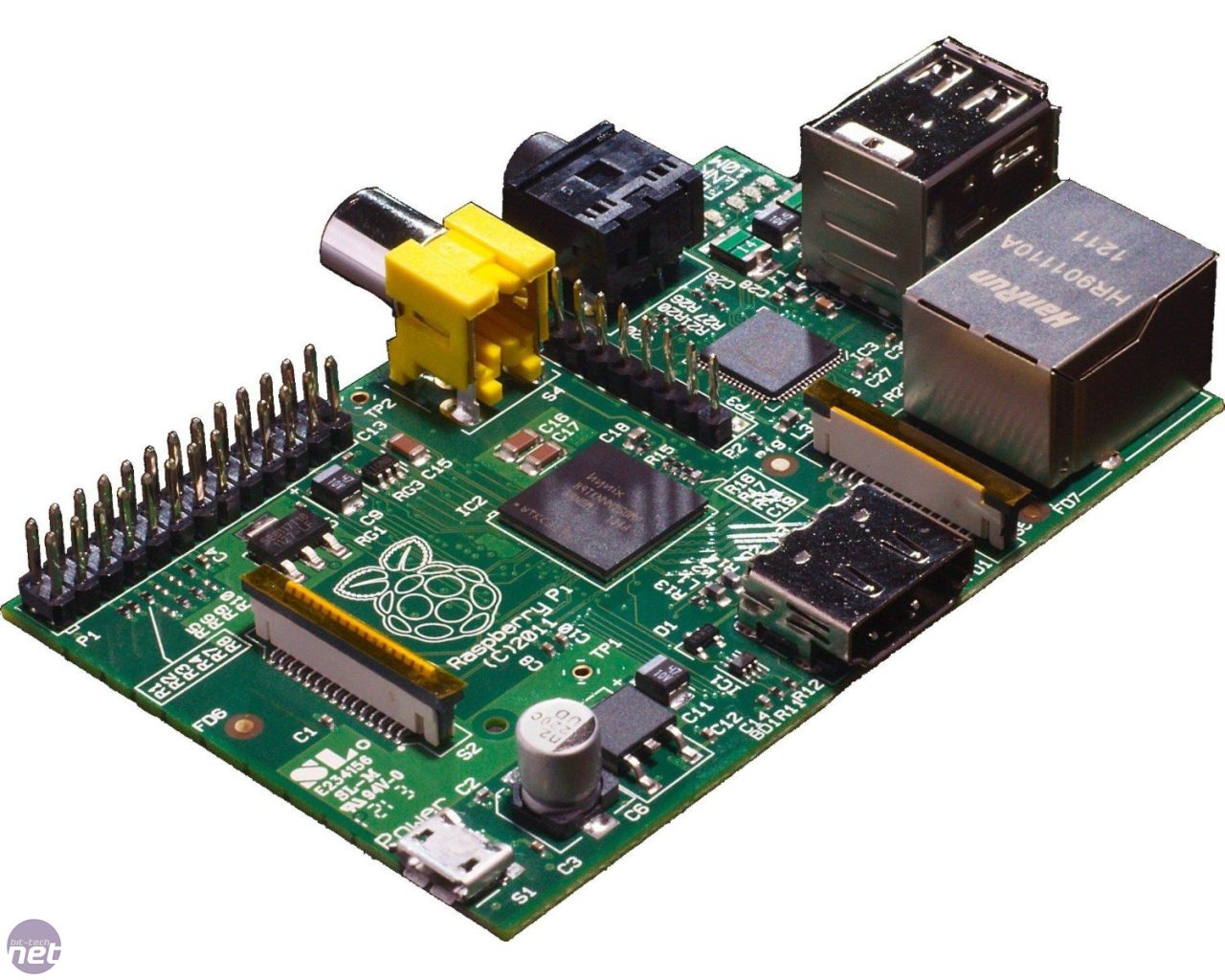
    Mit næste lille projekt bliver at bygge en af mine to raspberry pi computere ind i en anden skal, end den jeg bestilte med. Tema bliver steampunked, og udgangspunktet er Frank’s gamle Kamera som er et Bilora Bella DC4 Vario fra 1959.

    Kameraet har ikke virket de sidste 15 år og er lidt anløben hist og her, men mon ikke jeg kan få en god computer ud af det.

    Version 1 bliver at få plads til Raspberry’en inde i selve kamera huset, og første udfordring er få det åbnet ordentligt. Version 2 bliver med kamera, når Raspberry Foundation frigiver deres kamera til RPI’en.

    image

    image

    image

    image

    Men nyd billederne af et 54 år gammelt kamera.

  • Nagios on Raspberry Pi

    Nagios on Raspberry Pi

    A quick guide to install the normal Nagios via apt-get on an Raspberry PI using the standard Raspbian OS.

    – Preliminary; I have bought 2 Raspberry PI’s version B with 512MB RAM. The first is going to be used for Nagios monitoring of my home appliances which has grown to an incredible 45 devices. I’ve been reading through a lot of blogs describing how to compile the Nagios from bottom-up. The 1st RPI also servers as a portal server for my guest wifi, not that I have that many guests, but I wanted to make som fun to. The second RPI is going to be used as an Ubiquiti Unifi server compiled from scratch with the soft-floating Raspbian image and Mongodb, more on this in a later article.

    I took a different approach, as I wanted to make the install as simple as possible, so I’ve used the common software found through apt-get. And yes I do know Nagios is not the latest version, but I do not care about as it is running a decent version 3.4.1.

    Some things to consider before going down this path:

    • Make an static IP, this makes it easier to reach.
    • Enable SSH from the install screen

    Now let’s install (all this is done via SSH as my RP is headless), I do assume you have installed the Raspbian image on the SD-card, plugged in the network cable,SD-card and power)

    1. apt-get update
    2. apt-get upgrade (now the RPI is up to date but might take some time)
    3. apt-get install nagios
    4. It will ask you for an password for nagiosadmin.

    Now all done 🙂 You can login to http://ip-of-your-server/nagios3  using nagiosadmin and the password you issued.

    If you have encountered some Nagios installations before, be aware the files you need to use are not in the usual spots as described on Nagios.org

    • /etc/nagios3 – this is your primary folder  where e.g. commands.cfg resides.
    • /etc/nagios3/conf.d/ – this is the folder for all your config files. I used these for the basic monitoring tasks.
    • /etc/nagios-plugins  – home of all the native plugins like http_check

    I needed to check http status of some surveillance cams which I have choosen to monitor on other ports than the normal port 80 (web).
    For this to be succesfull you will have to edit /etc/nagios-plugins/config/http.cfg and insert following $ARG$ to the end of the line like this;

    # ‘check_http’ command definition
    define command{
            command_name    check_http
            command_line    /usr/lib/nagios/plugins/check_http -H ‘$HOSTADDRESS$’ -I ‘$HOSTADDRESS$’ ‘$ARG1$’
            }

    Then make another file for these devices, I’ve used services.cfg

    define service{
            use             generic-service         ; Inherit default values from a template
            host_name               name-of-your-machine
            service_description     HTTP:PORT
            check_command   check_http!-p 10000 ;with 10000 as the port you want to monitor for http service
    }

    Presumably you have a host file named hostname.cfg with following basic input

    define host {
    use             generic-host
    host_name      name-of-your-machine
    address         192.168.1.2
    }

    Then save all your work and service nagios3 restart and refresh your browser.